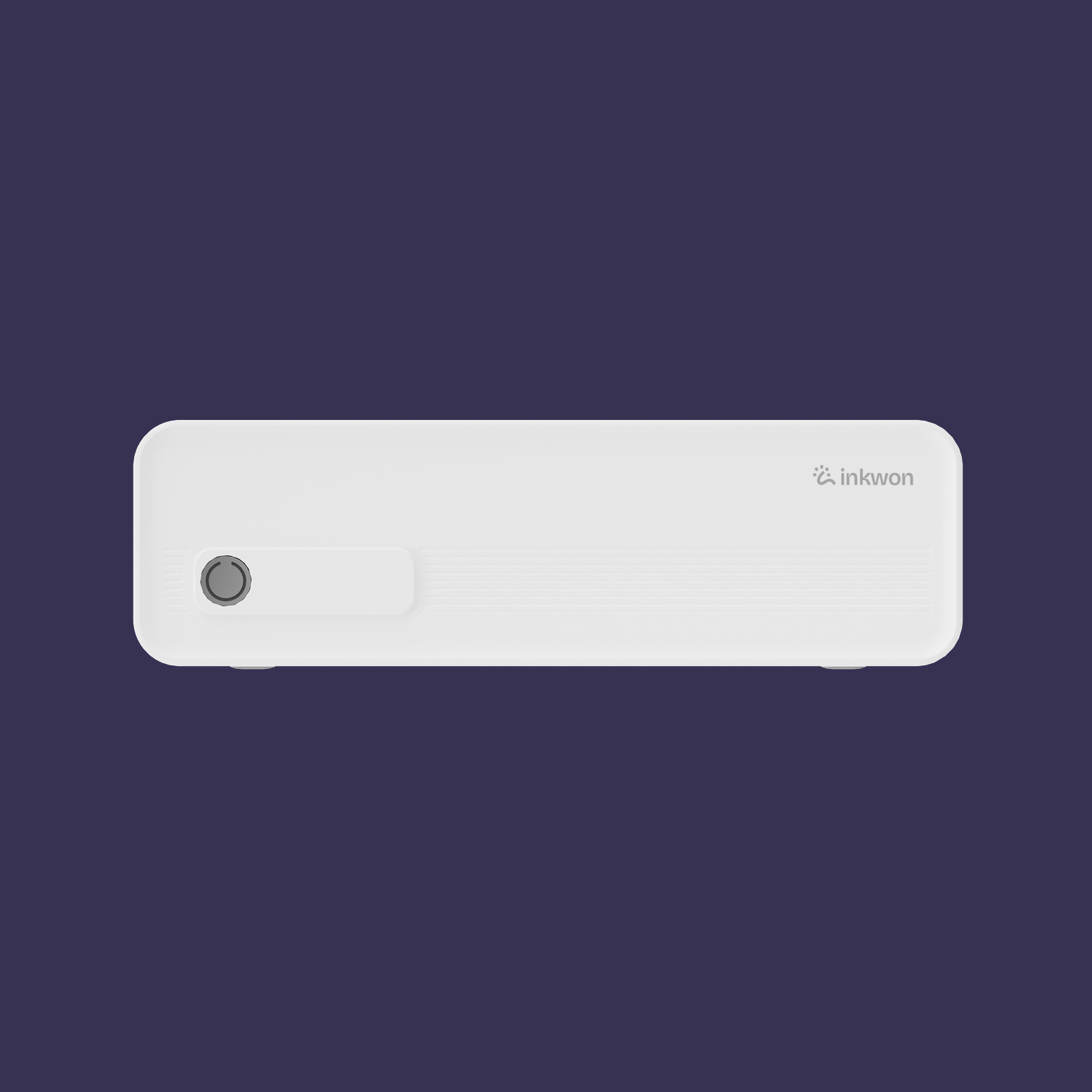
• Inkwon Handl A41 Portable Wireless A4 Thermal Printer
  • Inkwon Handl A41 Portable Wireless A4 Thermal Printer
  • Inkwon Handl A41 Portable Wireless A4 Thermal Printer
  • Inkwon Handl A41 Portable Wireless A4 Thermal Printer
  • Inkwon Handl A41 Portable Wireless A4 Thermal Printer
  • Inkwon Handl A41 Portable Wireless A4 Thermal Printer
  • Inkwon Handl A41 Portable Wireless A4 Thermal Printer
  • Inkwon Handl A41 Portable Wireless A4 Thermal Printer
  • Inkwon Handl A41 Portable Wireless A4 Thermal Printer
  • Inkwon Handl A41 Portable Wireless A4 Thermal Printer
  • Inkwon Handl A41 Portable Wireless A4 Thermal Printer
  • Inkwon Handl A41 Portable Wireless A4 Thermal Printer

Inkwon Handl A41 Portable Wireless A4 Thermal Printer

Regular price $70.99 Sale price
Unit price per
On Sale
The Inkwon A41 is a user-friendly A4 thermal printer designed for home and office use. With simple app control, quiet operation, and low maintenance costs,...
Color:

We process all orders within 72 hours (excluding weekends and holidays) and provide a tracking number by email once your package ships. Shipping is free within the United States, while international delivery typically takes 7–14 business days with costs calculated at checkout. Please note that customs duties or taxes may apply for orders outside the U.S.

👉 For more details, please visit our [Shipping Policy] page.

  • 30 Days Return
  • 12 Months Warranty
  • Free Shipping

Print full A4 pages from your bag. Clean, ink-free, and noise-free.

Inkwon Handl A41 Portable Wireless A4 Thermal Printer
  • Full A4 Printing

  • Inkless Technology

  • Smart Connectivity

  • All-Day Power

  • Rich Template Library

Ink-Free Thermal Printing

Enjoy hassle-free printing with thermal technology. No ink cartridges or ribbons required, reducing long-term costs and eliminating messy replacements.

Zero Ink
Zero Ink

Dual Connection Options

Seamlessly connect via the mobile app or directly to your laptop with a USB-C cable for flexible printing anytime.

Tap
or
Plug
Tap
or
Plug

Lightweight & Portable

Designed for life on the go, the A41 slips easily into your bag, making it perfect for work, study, or travel.

Travel
Light
Travel
Light

Long-Lasting Battery Power

Equipped with a 1800 mAh battery, the printer supports extended use, ensuring you can print wherever your day takes you.

1800
mAh
1800
mAh

Wide File Compatibility

Easily print PDFs, Word documents, Excel sheets, PowerPoints, text files, and even JPG images — all in one compact device.

Multi-Format
Multi-Format

Creative App Features

Unlock more with the companion app: AI Portrait mode for smarter photo printing and a rich template library to bring your projects to life.

Creativity
On
Creativity
On

What's More of A41 Handl?

  • 📇 203 dpi Resolution

    Clear text, crisp images, professional results. At 203 dpi, documents and line art stay sharp and easy to read, so lectures, contracts, and forms look clean on every page.
  • 🤫 Quiet Printing

    Built-in paper bin and support for both folding and roll paper. Switch between sheets and rolls as your day changes, from full-page notes to long checklists without reconfiguring the setup.
  • 📑 Flexible Paper Options

    Ideal for late nights and quiet spaces. The low-noise motor keeps distractions down, so you can print in libraries, shared homes, or night shifts without drawing attention.
  • ♻️ Eco-Friendly

    Zero ink waste, zero fuss. Thermal technology removes cartridges and ribbons entirely, cutting clutter and long-term cost while keeping your workspace clean and simple.

What's in the box?

Printer ×1

Type-C Cable ×1

Type-C to USB Adapter ×1

Paper ×1

User Manual ×1

Specifications

Model: A40a / A41 / A42 / A43

Printing Method: Direct Thermal

Resolution: 203 dpi

Battery: 1800 mAh, 7.4 V, 13.32 Wh

Power Input: 5.0 V DC, 2.0 A, USB-C

Connectivity: Bluetooth or USB-C

Printing Color: Black & White

Size: 26.6 × 8 × 4.8 cm

Weight: 674 g

FAQ

You asked, we answered!
  • Yes. After installing the driver, you can print from your computer.

  • Official A4 rolls and folding paper are recommended. Compatible with papers up to A4 width.

  • Roll paper adjusts output based on content length (up to 297mm), while folding paper always prints one full sheet.

  • Not supported. Current thermal technology only supports monochrome printing.

  • If the QR code is smudged or the paper is creased, the app may not be able to recognize it properly. Please ensure the QR code paper is flat and clean before scanning again.

    1. Make sure Bluetooth and location permissions on your phone are enabled.
    2. Ensure the printer is not already connected to another device.
    3. Restart the printer, app, and phone, then try reconnecting.
    4. If the issue persists, contact customer service.
  • Check if the thermal paper is loaded in the wrong direction. Please reinstall it according to the manual.

    1. Make sure you are using the recommended official paper.
    2. Confirm the battery is sufficiently charged (a red slow flash indicates low battery).
    3. Clean the print head with alcohol while the device is turned off.
    4. Increase the print density if necessary.
    5. If problems persist, contact customer service.
  • Green light: Normal

    Red light: Out of paper / charging / cover open / overheating

    Red slow flash: Low battery

    1. Via feedback in the app
    2. Hotline: 400-999-0221 (China)
    3. Email: support@iprt.com.cn

Still need a hand?

  • Get Quick Set Up

    Set up your printer fast with step-by-step guides, FAQs, and tips all in one place.

    1
  • App Downloads

    Grab all inkwon apps and desktop drivers for your devices here.

    2
  • Contact Support

    Still stuck? Reach out to us for quick, one-to-one support.

    3